Salon management software
Close the appointment book.
Lamsatech runs your whole salon from one system: bookings, the till, stock, team commissions and e-invoicing. The till sits on an iPad at reception, and the numbers live in a dashboard you can open on your phone at any hour.
SAR 1,899 a year per branch, including VATThe app on the App Store

A salon run from two notebooks and a phone.
Bookings live in a notebook and in WhatsApp chats, the takings in a second notebook. Two clients land in the same hour with the same stylist, a tub of colour runs out with a client in the chair, and at month end your commission figure and hers never match. You only learn the day's profit when you sit down at night and add it up yourself.
- Two bookings, one stylist, the same hour.
- The colour ran out mid-appointment.
- The month's commission: two figures, no agreement.
- Today's profit, added up by hand at night.
A day in your salon, with Lamsatech
From opening the doors in the morning to settling up at month end, here is what changes.
9:00 am
Today's numbers before the first client
Open today's dashboard on your phone and see sales, the payment mix, your busiest services and today's appointments. If you run more than one branch, they are all on the same dashboard.
10:30 am
A walk-in? She is billed on the spot
On the reception iPad, put the service and the products on one invoice, split the payment between cash and card, and print the receipt on your network thermal printer.
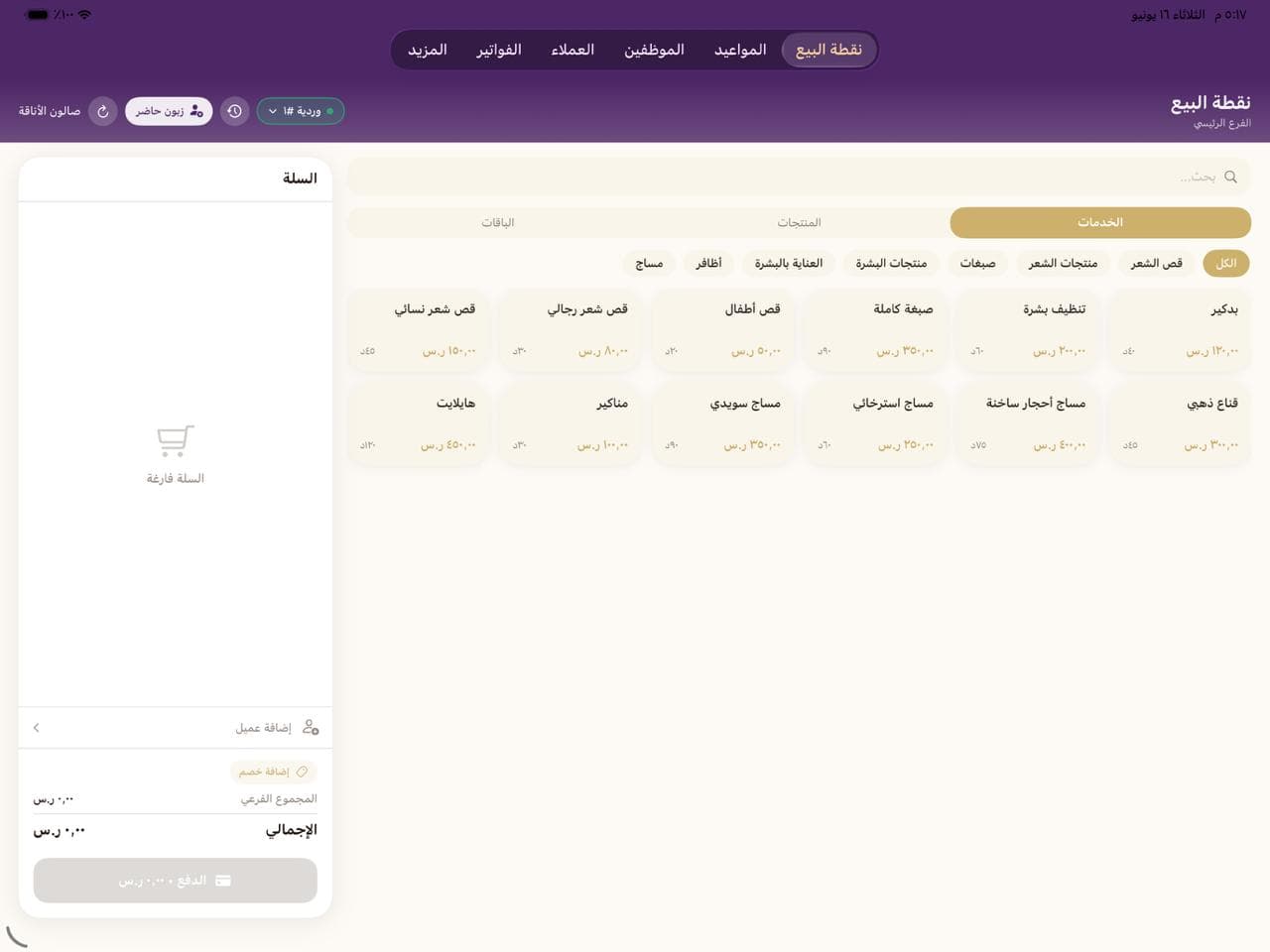
The point-of-sale screen of the Lamsatech iPad app, a genuine screenshot. 12:00 pm
The colour comes off the stock by itself
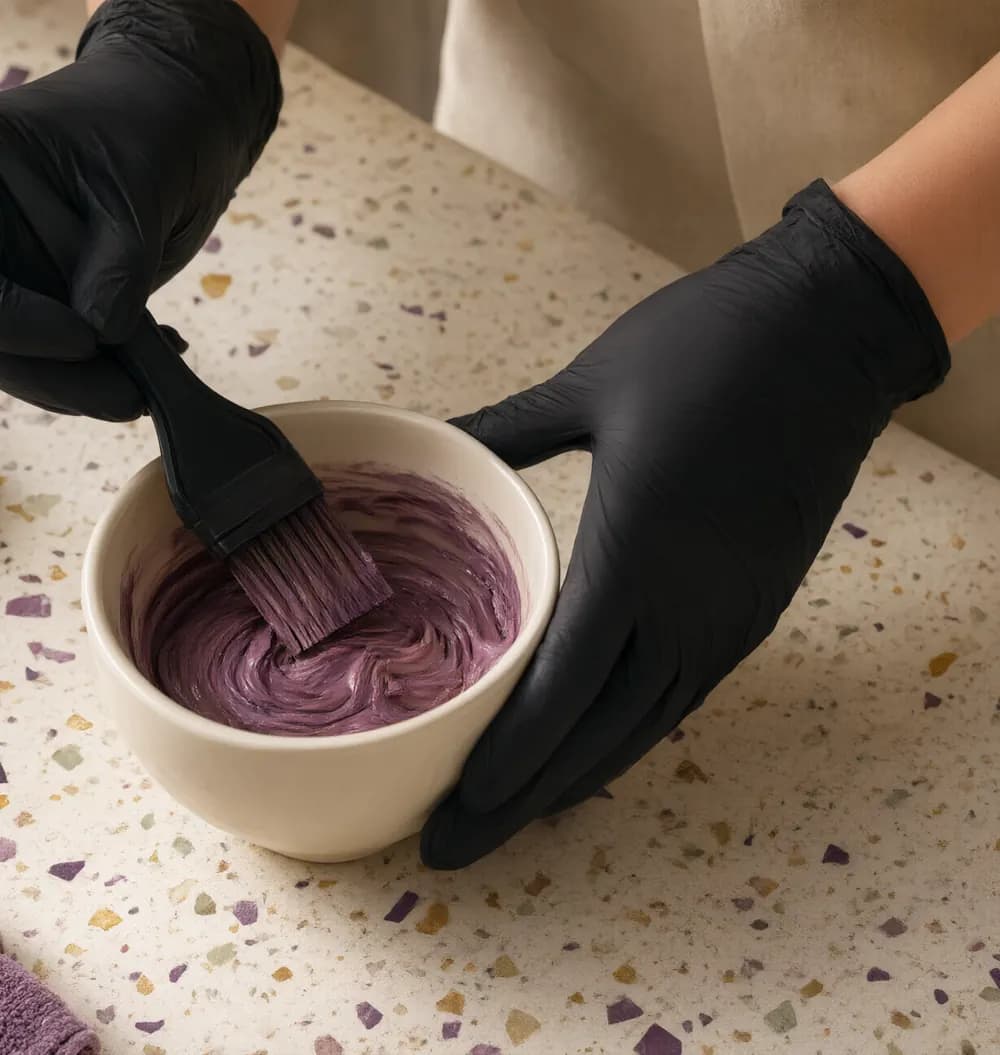
Set the consumables for each service once, and every time it is performed the system deducts them from that branch's stock. The stock page shows you which items are running low, so you never find the colour gone with a client already in the chair.
2:00 pm
Every stylist's diary, and no clashes
A daily and weekly calendar for each stylist follows every appointment from booked to checked in, in progress and invoiced. The same slot can never be booked twice for the same stylist, even when an online booking and a front-desk booking land at the same instant.
5:00 pm
She comes back, with her card on her phone
Every client has a profile with her visits and everything she has spent with you. She collects loyalty points and moves up automatically through membership tiers you define, and her digital stamp card is stamped with a QR scan and kept in Apple Wallet, instead of a paper card that gets lost.
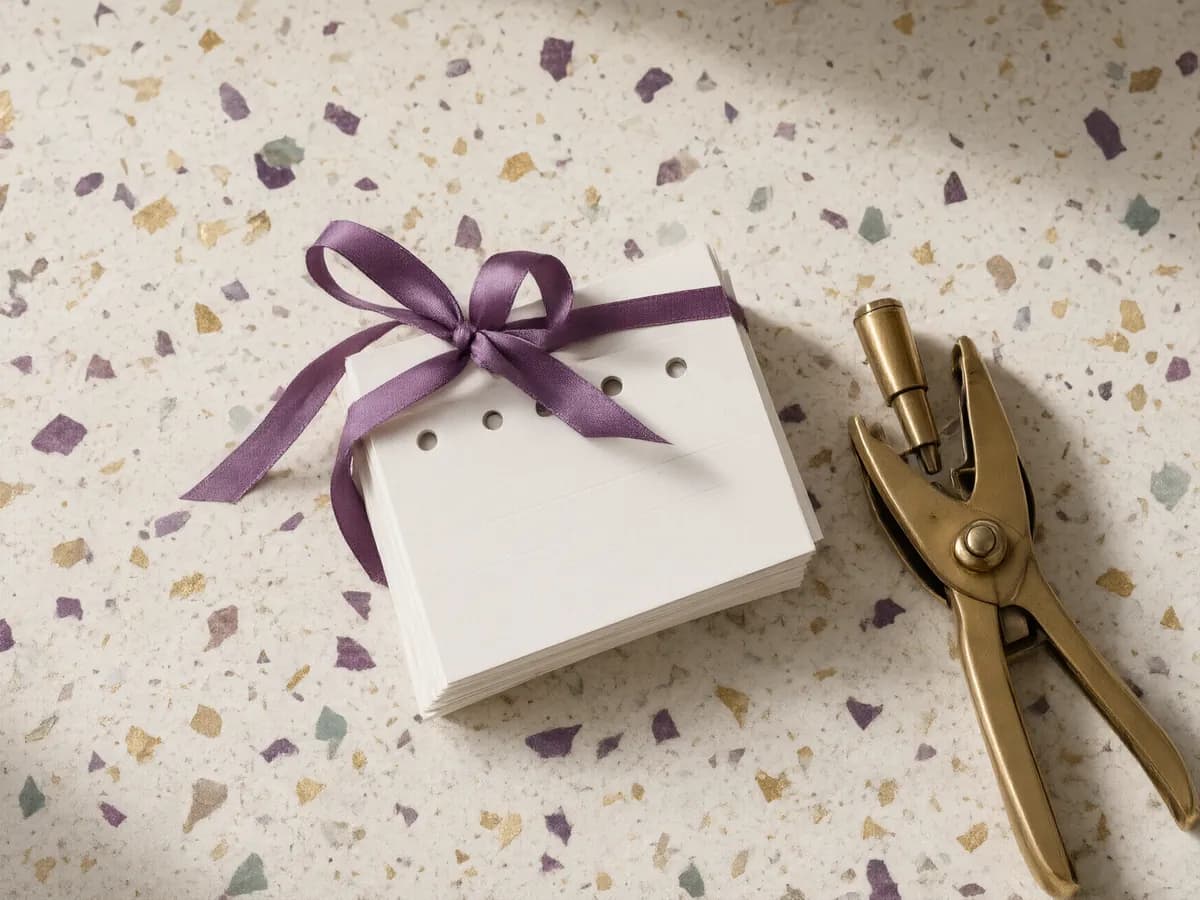
The paper card you can retire. 9:30 pm
Closing the drawer, with a Z report
At the end of a shift you see what should be in the drawer against what is, and whose shift it was. The day's invoices were already signed on the iPad and reported to ZATCA right after each payment.
11:40 pm
A new booking while you sleep
Put a booking link under your salon's name in your Instagram bio. A client picks her service and time herself, at any hour, and the booking appears in the dashboard and iPad calendars.
Month end
Commissions settled before anyone argues
Every invoice books its own commission the moment it closes. At month end you approve each stylist's commissions and record her payout in one batch from the dashboard. No calculator, no argument.
The invoice is signed on the iPad itself.
E-invoicing built on ZATCA's Phase 2 requirements. The iPad generates and keeps its own key, signs every invoice and reports it to ZATCA right after payment, and the private key never leaves the device.
You connect the iPad to ZATCA yourself, step by step on the device, with no developer and no accountant.
Every invoice is signed and reported right after payment.
Any invoice that did not get through shows up on the monitor, and you resend it with one tap before it turns into a penalty.
How to start
Message us on WhatsApp and we start your salon's subscription.
Add your services, products and team from the web dashboard.
Install the app from the App Store on the reception iPad, and each stylist signs in with her own PIN.
Connect the iPad to ZATCA step by step, and start selling.
One subscription, the whole salon.
Lamsatech is more than a booking calendar. Underneath it sit a full till, stock and purchasing, commissions and e-invoicing.
Annual subscription, everything included
1,899SAR a year, per branchincluding VATAbout SAR 158 a month.
What the price includes
- An iPad till
- An appointment calendar for each stylist
- An online booking site in your salon's name
- Team commissions worked out automatically
- Stock, purchasing and suppliers
- Client profiles and visit history
- A loyalty card in Apple Wallet
- E-invoicing built on the Phase 2 requirements
- A web dashboard and reports
- Support and updates
- No per-stylist fees
- No cap on iPads
- We take no cut of your sales, and your clients stay yours
Questions we hear often
Does Lamsatech work without the internet?
No. The till needs an internet connection the whole time, and there is no offline mode. We recommend a router with a backup data SIM.
What does it run on?
The till is an iPad app that runs in landscape, on iPadOS 17 or later. The dashboard opens in any browser, on a computer or a phone. There is no iPhone or Android app.
Are the invoices ZATCA compliant?
Invoicing is built on the Phase 2 requirements: the iPad signs every invoice and reports it to ZATCA right after payment, and you connect the device to ZATCA yourself through steps inside the app.
How much is it?
SAR 1,899 a year per branch, including VAT and every feature. There are no per-stylist fees.
Why a subscription when the app is on the App Store?
The app is only the front of the service. The subscription pays for what sits behind it: the servers and your salon's database, e-invoicing, the booking site, support and updates.
Do you take a cut of my sales or bookings?
No. The subscription is a flat annual fee, we take nothing from your sales, and your clients stay yours.
Will my network thermal printer work with it?
The till prints receipts on network thermal printers. Send us your printer's model on WhatsApp and we will check it before you subscribe.
Lamsatech. Get in touch.
Send us a message on WhatsApp and we will answer every question before you subscribe.